

How-to · Projects
How to: Add files to a project one at a time
Open the project.
Click the
+button in the chat composer.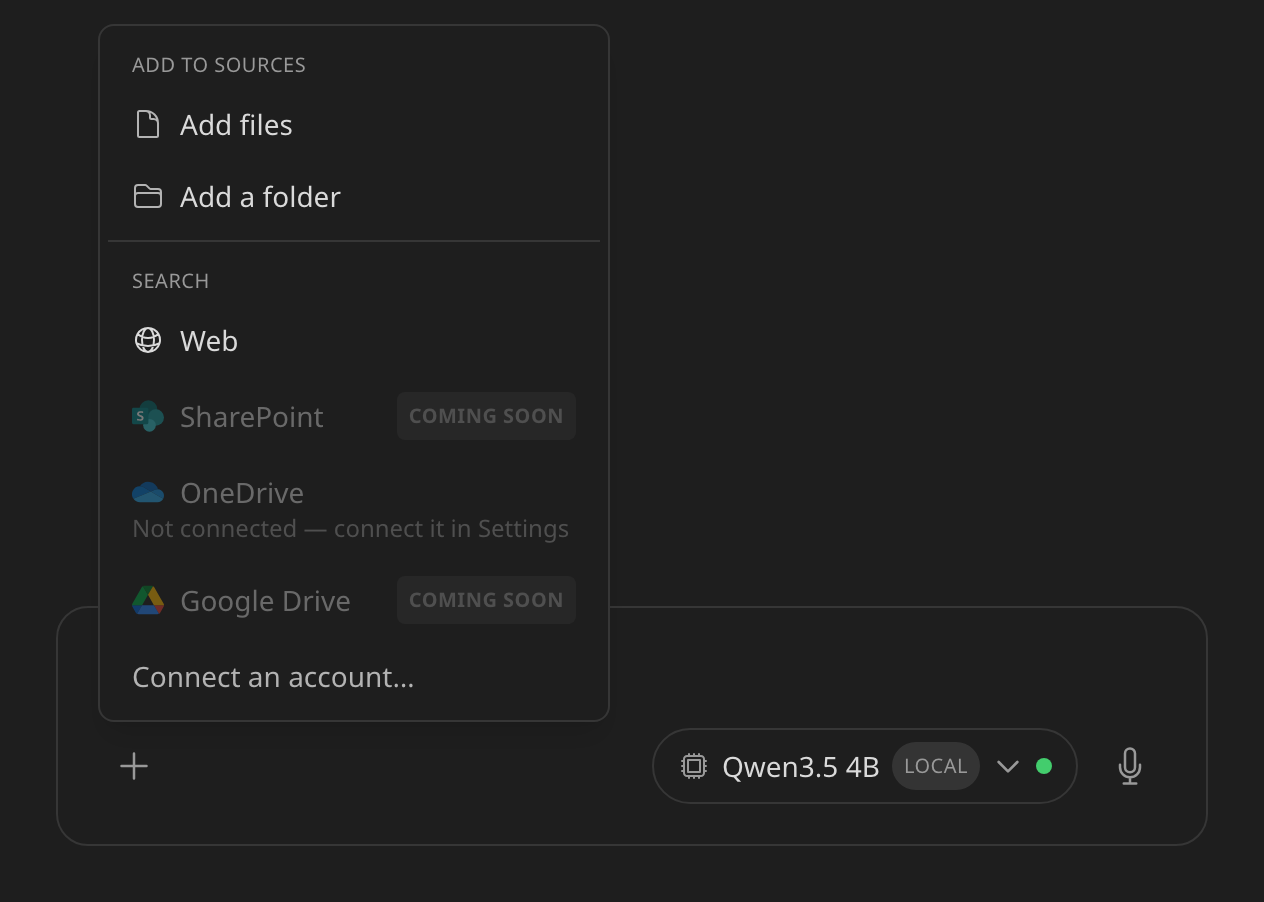
Under Add to sources, choose Add files, then pick one or more files from your disk. (Add a folder does the same for a whole folder at once.)
The files are indexed automatically a couple of seconds later. The first file added to a project with no folder yet is what creates its folder.
To add a screenshot, copy it and paste while the project is open — it becomes a source the same way.
See Projects & sources.
Does something here not match what you see in Axon? Tell us.