

How-to · Settings and models
How to: Set up web search for connectors
- Open Settings → Search.
- Pick a Search engine — Brave Search API (needs a free key, about 2,000 queries/month) or DuckDuckGo (no key, but often blocked as automated traffic).
- If using Brave, paste your key under Brave Search API key.
- Set Results per search, if you want something other than the default. The same page has free academic and reference sources (arXiv, PubMed, Wikipedia and others) you can switch on.
To search, click the + button in the composer, choose Web under
Search, and send your question. The answer comes back marked as not from
a reviewed source, with every result ticked; untick any you don't want and
press Add to sources:
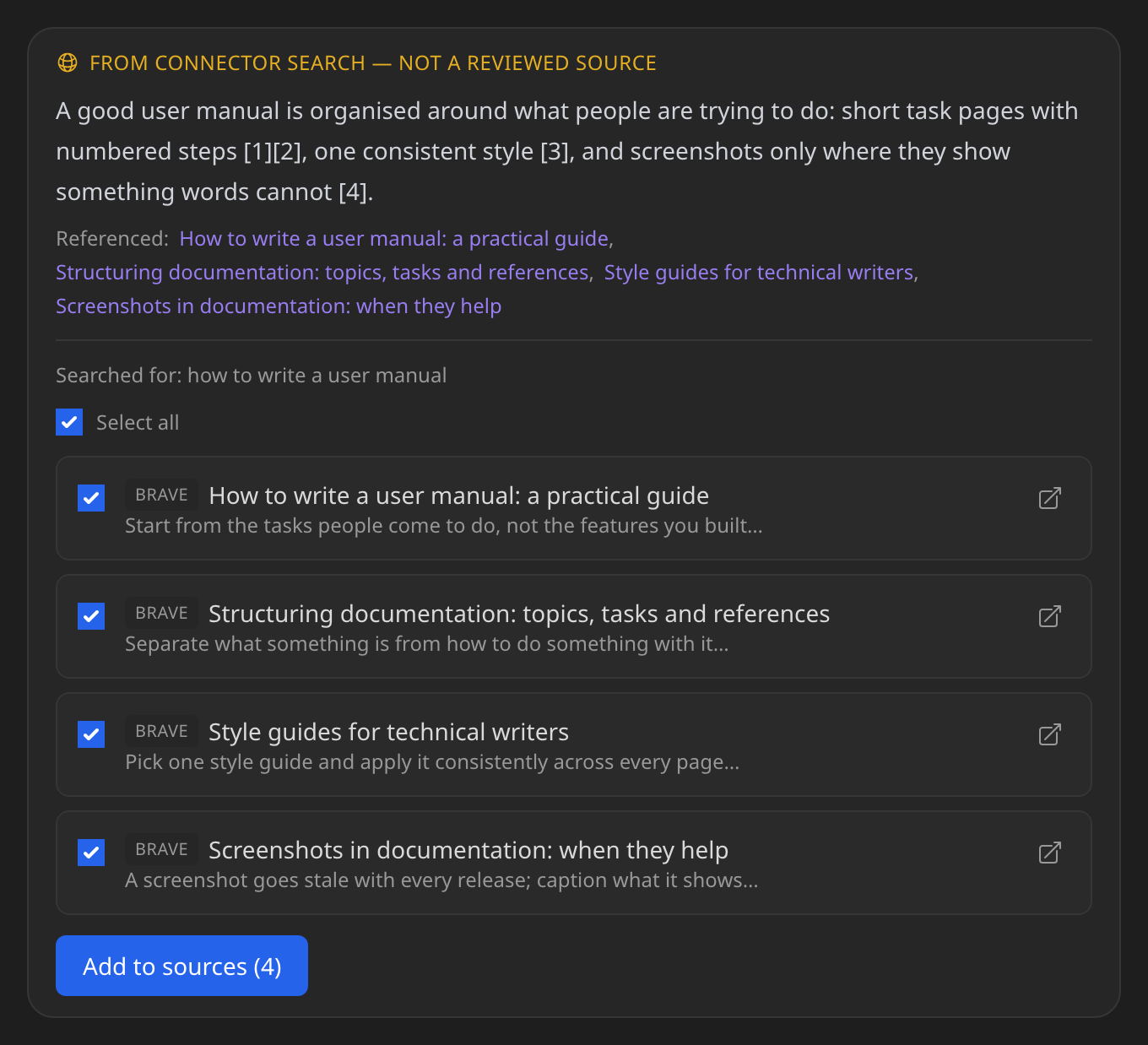
It's not something the model reaches for mid-answer — nothing from the web becomes a source until you add it.
See Settings & providers.
Does something here not match what you see in Axon? Tell us.